Extras: notes from my dev setup
[MusicTools dev note] adb Shows "emulator-5562" That Doesn't Exist
expo start failed on an emulator-5562 I never started. The cause was Native Instruments' NTKDaemon on port 5563. How to find what's on the port, and the adb fix.
A short one from my dev setup. On October 30, npx expo start stopped working on my Windows PC, and the error was about an emulator I hadn’t started:
adb -s emulator-5562 emu avd name exited with non-zero codeNo emulator was running. adb listed one anyway:
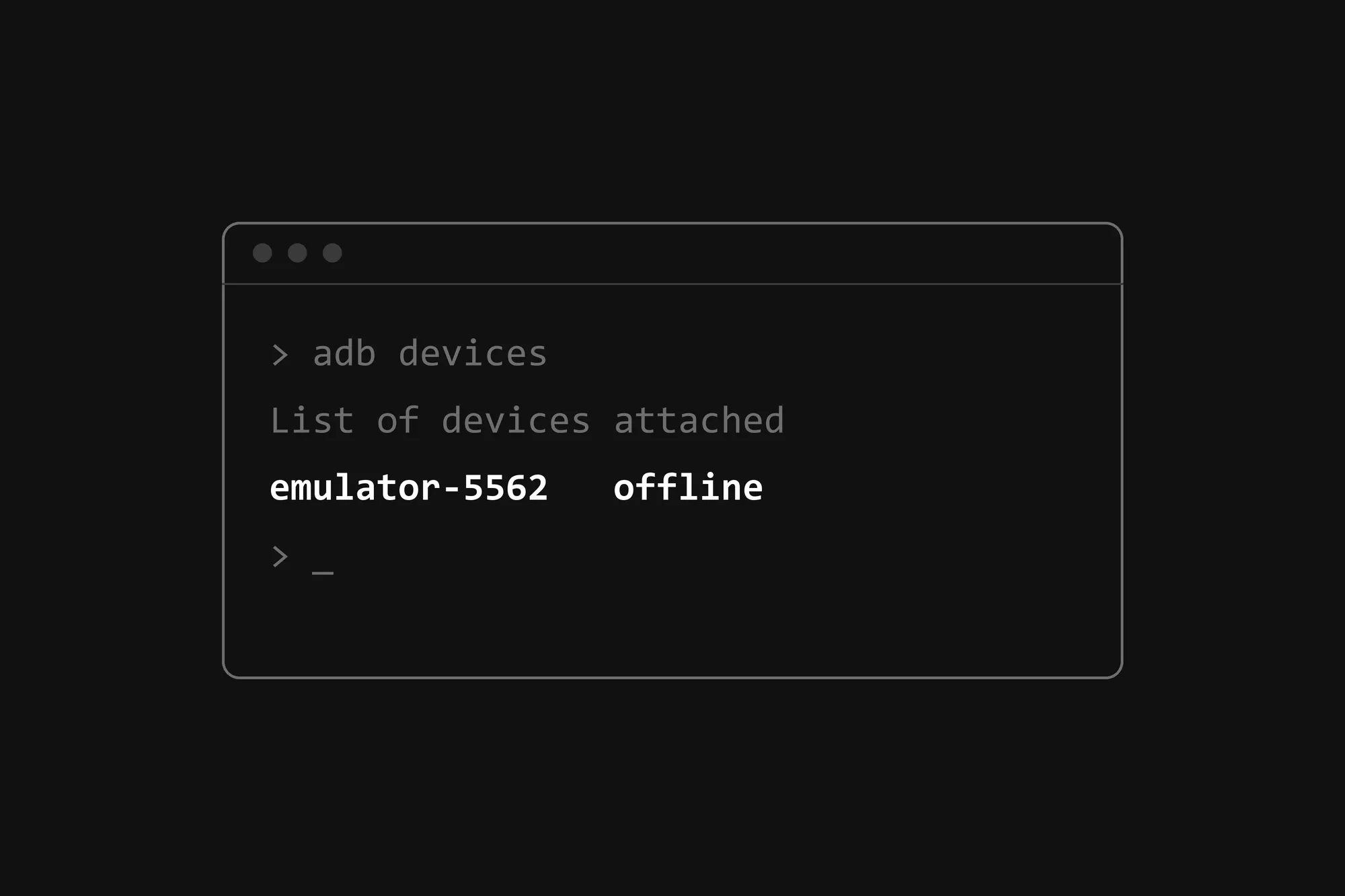
> adb devices
List of devices attached
emulator-5562   offline
Why adb sees an emulator that isn’t there
An Android emulator talks to your computer over a pair of local ports: an even console port (5554, 5556 and so on) and the odd port right after it for adb (5555, 5557…). Its name comes from the console port, which is why the first emulator is emulator-5554. To find running emulators, adb knocks on the odd ports from 5555 up to 5585, and whatever answers looks like an emulator to it.
Something was listening on 5563. adb took it for the adb port of an emulator whose console port is 5562, couldn’t talk to it, and listed it as offline. Expo then asked that “emulator” for its name, and failed.
Finding what’s on the port
On Windows, two commands tell you. netstat gives the process ID of whatever is listening on the port, and tasklist gives its name:
> netstat -ano | findstr :5563
  TCP    127.0.0.1:5563         0.0.0.0:0              LISTENING       17648

> tasklist /FI "PID eq 17648"
Image Name                     PID Session Name        Session#    Mem Usage
========================= ======== ================ =========== ============
NTKDaemon.exe                17648 Services                   0     33,844 K
In PowerShell it’s one line:
Get-Process -Id (Get-NetTCPConnection -LocalPort 5563).OwningProcessNTKDaemon is a background service that comes with Native Instruments’ music software. If you make music on the same PC you develop on, you may well have it too. Nothing was wrong with it; it just sits on a port that adb happens to check.
The fix: tell adb to stop looking before 5563
adb has a setting for how far up it looks, the environment variable ADB_LOCAL_TRANSPORT_MAX_PORT. adb --help describes it as “max emulator scan port (default 5585, 16 emus)”. Restart the adb server with it set below 5563.
In Git Bash, macOS or Linux:
adb kill-server
ADB_LOCAL_TRANSPORT_MAX_PORT=5561 adb start-server
adb devices
In PowerShell:
adb kill-server
$env:ADB_LOCAL_TRANSPORT_MAX_PORT = 5561
adb start-server
adb devices
The device list comes back empty, and expo start works again. NTKDaemon keeps running; I left it alone.
The setting lasts until the adb server restarts, after a reboot for example. To keep it, set the variable for good with setx ADB_LOCAL_TRANSPORT_MAX_PORT 5561 and open a new terminal. With 5561 as the limit, adb still finds emulators on console ports 5554 to 5560, four at a time.
What I’d keep
When a tool shows you a device you don’t have, ask what’s listening on the port. netstat -ano and the process ID answer that in a minute.