[MusicTools dev note] Turning Pages with a Wink: ARKit on iPad, MediaPipe on Android
How my score app tells a wink from a blink to turn sheet music pages hands-free, with ARKit on iPad and MediaPipe on Android, plus a webcam demo you can run.
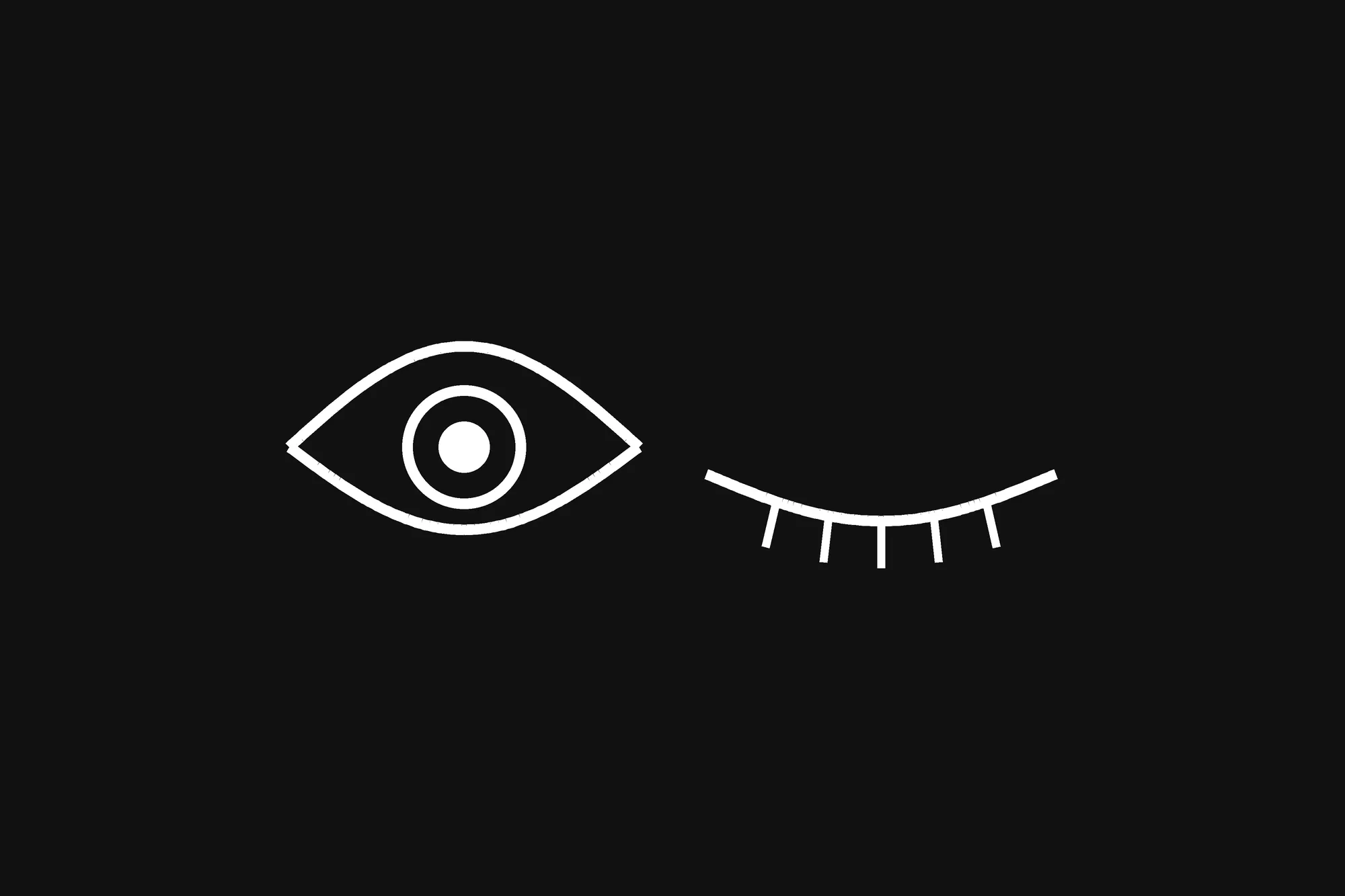
A pianist can’t take a hand off the keys to turn a page. That’s the whole reason MusicTools exists, and it turns pages in several ways: by itself in time with the metronome, with a tap, with a Bluetooth pedal, and since version 1.4.0, with a face gesture. You can wink, push your lips to one side, or turn your head, and the front camera turns the page.
What happened: “turn the page with a blink”
It started with something I’d heard: that you can turn pages by blinking. Before building anything, I looked at how other score apps do it. They turn pages with a wink, the mouth moved to one side, or a head turn, and none of the ones I looked at uses a plain blink.
The reason is simple once you think about it. People blink 10 to 20 times a minute without meaning to, so a page that turned on every blink would never stay put. A wink is a blink with one eye, and that one-sidedness is what makes it deliberate.
So MusicTools has three gestures, each with two directions: to your right turns forward, to your left goes back. A right-eye wink, lips pushed to the right, or a head turn to the right all turn to the next page.
Why a blink isn’t a wink: what the camera reports
A camera doesn’t tell you “wink”. It gives you numbers. On iPhone and iPad, ARKit’s face tracking reports a few dozen “blend shapes” for the face in front of it, each from 0 to 1; two of them are eyeBlinkLeft and eyeBlinkRight, how far each eye is closed. On Android, Google’s MediaPipe Face Landmarker reports the same kind of numbers under the same names. In MusicTools the picture never leaves the camera code and is never saved. The app only ever sees the numbers.
Those numbers aren’t as clean as you’d hope:
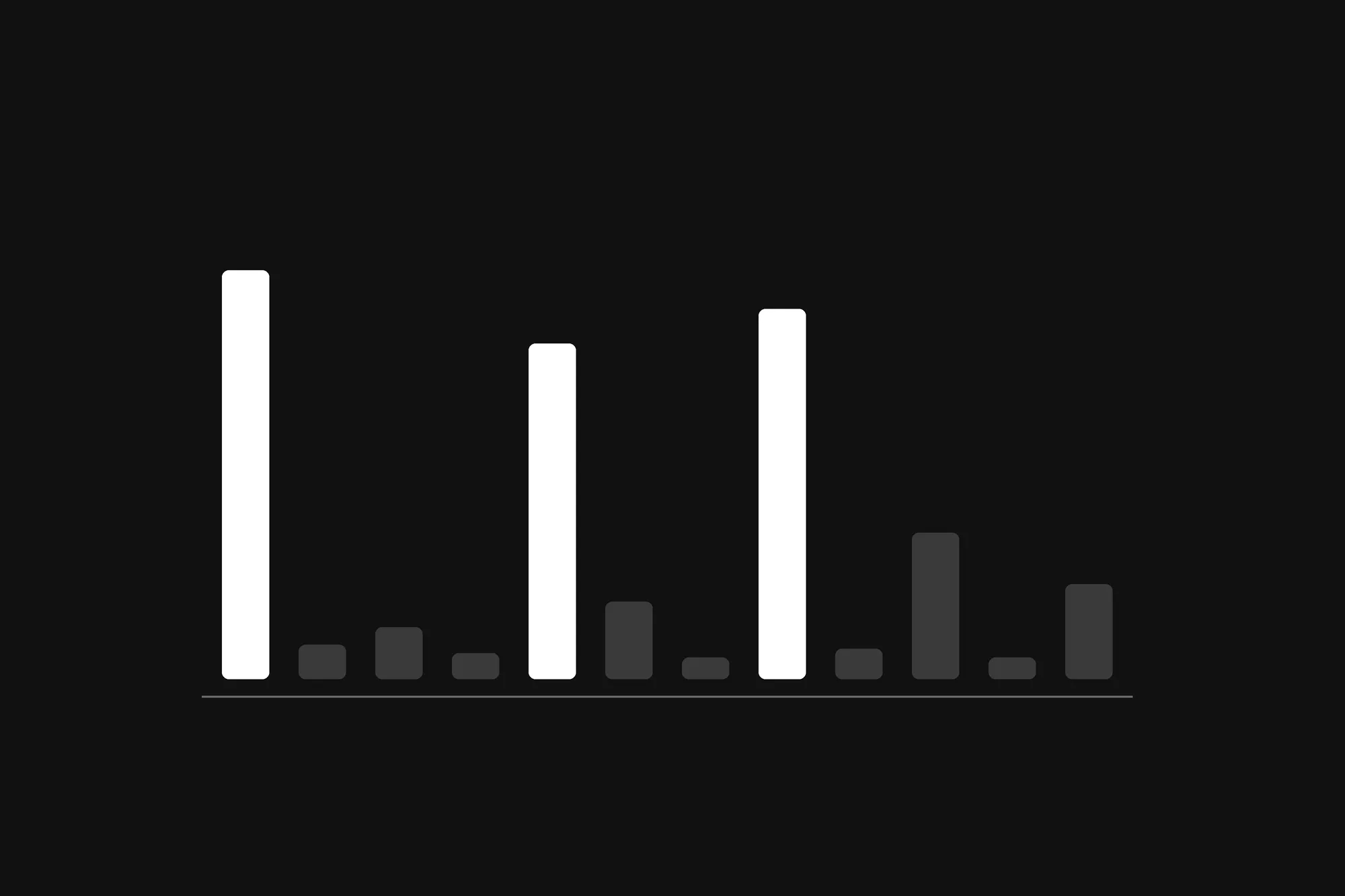
- An open eye doesn’t read 0. On a test photo of a face with both eyes open, MediaPipe reports 0.23 for one eye and 0.24 for the other.
- At a piano you look down at the music, and looking down brings the eyelids down with it.
- The camera isn’t straight in front of you. A tablet on a music stand sees your face from below, often from one side.
So MusicTools never measures from zero. Each eye has a resting level that follows your face slowly, over about three seconds, but only while that eye is at rest: a wink you’re holding doesn’t become the new normal. A gesture is measured from there. For a wink:
- one eye has to close at least 0.35 more than its own resting level,
- and at least 0.25 more than the other eye (a wink narrows the other eye a little, so the other eye can’t be required to stay still),
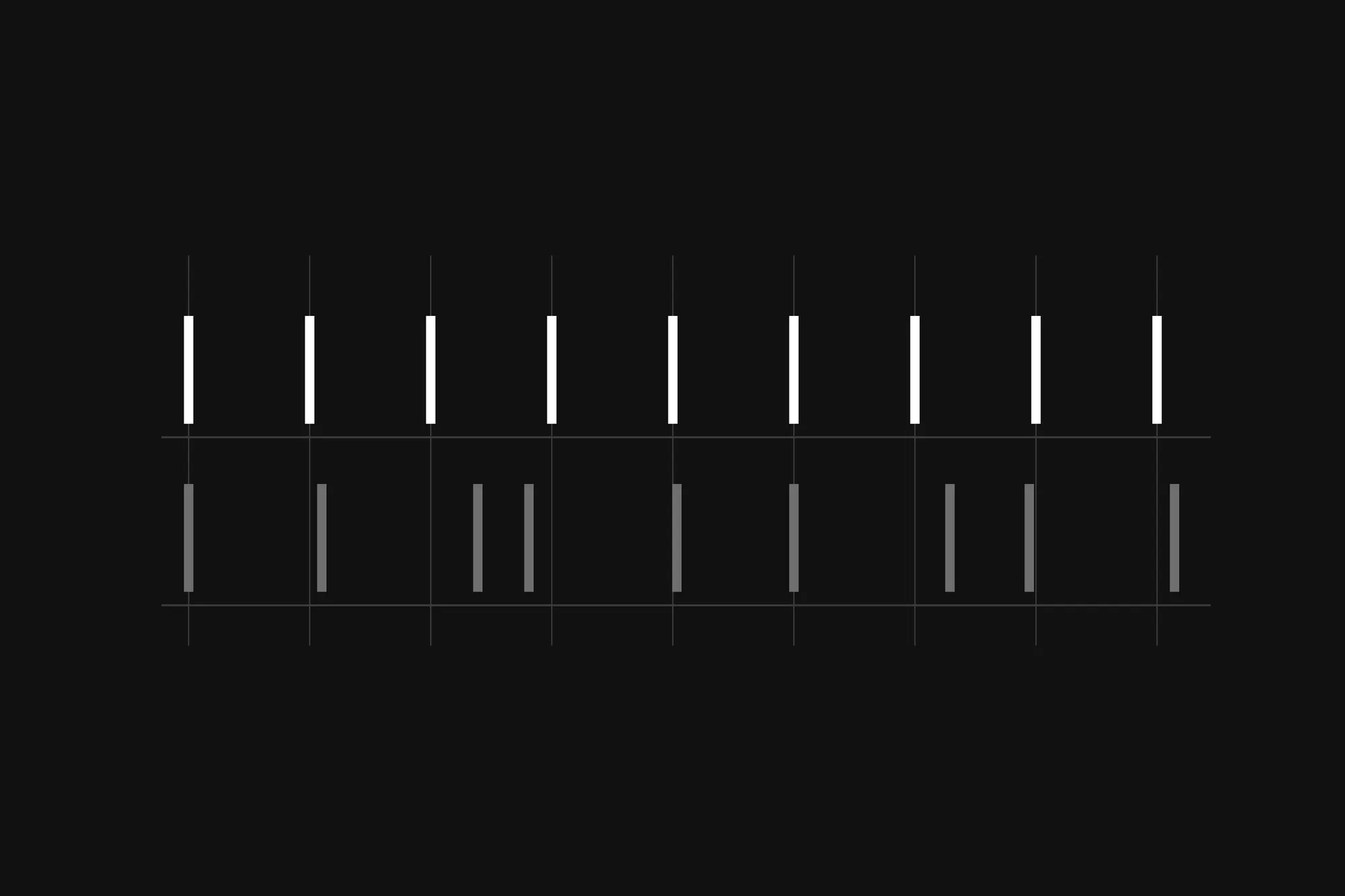
- and it has to stay there for 150 ms.
A blink fails the second rule, because both eyes move together. After a wink, the eye has to open again before it can count again, and no second wink can turn a page for 800 ms, so one wink turns one page, not two.
How I built it: ARKit on iPad, MediaPipe on Android
The part that decides what counts as a gesture is plain TypeScript, the same on both platforms. It’s tested on synthetic faces: scripted runs of numbers with blinks, winks and held gestures in them, where the right answer is known. The native code underneath does one job, turning camera frames into those numbers: ARKit’s face tracking on iOS, and MediaPipe’s Face Landmarker on Android. I chose MediaPipe over Google’s ML Kit because ML Kit has nothing for the mouth.
Some things I only learned by using it:
- The head gesture goes off by itself at the piano. Your whole body moves as you play. It’s still there, with a warning, for instruments where the head stays still.
- For me, the wink isn’t the best gesture. When I practiced with it on my iPad, some of my winks didn’t register, so I switched to the lips gesture, as I wrote in my post about practicing piano with the app. That’s what Adjust Sensitivity in Settings is for: a slider per gesture that changes how far you have to move, but never how long you have to hold it, or natural blinks would start to count.
- The camera is on only while a score is open. It goes off when you leave the score or the screen locks, and after five minutes with no face in view. Each notice about it stays on screen until you press OK, because the camera uses battery and you should know when it’s on.
Try it yourself: wink at your webcam
MediaPipe has a web version, so the same numbers are one paste away. Open the developer console on a page served over https (this one works), paste the code below, and allow the camera. A small box in the corner shows your camera and the two numbers. Blink, then wink, and watch the console. When you’re done, run stopWink() to turn the camera off.
It all runs in your browser. The code, the WebAssembly runtime and the face model load from jsDelivr and Google’s model storage, and your camera picture isn’t sent anywhere. MediaPipe prints a few log lines of its own, which you can ignore.
const mp = 'https://cdn.jsdelivr.net/npm/@mediapipe/tasks-vision@1.1.1';
const { FaceLandmarker, FilesetResolver } = await import(`${mp}/vision_bundle.mjs`);
const landmarker = await FaceLandmarker.createFromOptions(
  await FilesetResolver.forVisionTasks(`${mp}/wasm`),
  {
    baseOptions: {
      modelAssetPath:
        'https://storage.googleapis.com/mediapipe-models/face_landmarker/face_landmarker/float16/1/face_landmarker.task',
    },
    runningMode: 'VIDEO',
    numFaces: 1,
    outputFaceBlendshapes: true,
  },
);

// The camera, small in the corner, with the two numbers under it.
const box = document.body.appendChild(document.createElement('div'));
box.style.cssText =
  'position:fixed;top:12px;right:12px;z-index:99999;padding:8px;border-radius:10px;' +
  'background:#111;color:#fff;font:13px/1.5 monospace;white-space:pre';
const video = box.appendChild(document.createElement('video'));
video.style.cssText = 'display:block;width:180px;transform:scaleX(-1);border-radius:6px';
video.muted = true;
video.playsInline = true;
video.srcObject = await navigator.mediaDevices.getUserMedia({ video: true });
await video.play();
const meter = box.appendChild(document.createElement('div'));

// Each eye is measured from where it rests, and the rest drifts along with the face.
const ON = 0.35, OFF = 0.18, OVER = 0.25, HOLD_MS = 150;
const rest = { left: null, right: null };
let since = null, armed = true, last = performance.now(), running = true;

const score = (shapes, name) => shapes.find((c) => c.categoryName === name)?.score ?? 0;

function frame(now) {
  if (!running) return;
  const shapes = landmarker.detectForVideo(video, now).faceBlendshapes[0]?.categories;
  if (!shapes) meter.textContent = 'no face';
  else {
    const eye = { left: score(shapes, 'eyeBlinkLeft'), right: score(shapes, 'eyeBlinkRight') };
    const lift = {};
    for (const side of ['left', 'right']) {
      rest[side] ??= eye[side];
      lift[side] = eye[side] - rest[side];
      // Only an eye at rest moves its rest: a held wink isn't the new normal.
      if (lift[side] < OFF) rest[side] += (eye[side] - rest[side]) * Math.min(1, (now - last) / 3000);
    }
    // A wink: one eye well past its rest, and well past the other eye. A blink moves both.
    const wink =
      lift.left >= ON && lift.left - lift.right >= OVER ? 'eyeBlinkLeft'
      : lift.right >= ON && lift.right - lift.left >= OVER ? 'eyeBlinkRight'
      : null;
    if (Math.max(lift.left, lift.right) < OFF) armed = true;
    if (!wink) since = null;
    else {
      since ??= now;
      if (armed && now - since >= HOLD_MS) {
        console.log(`Wink: ${wink} went up`);
        armed = false;
      }
    }
    meter.textContent = `eyeBlinkLeft  ${eye.left.toFixed(2)}\neyeBlinkRight ${eye.right.toFixed(2)}`;
  }
  last = now;
  requestAnimationFrame(frame);
}
requestAnimationFrame(frame);

function stopWink() {
  running = false;
  video.srcObject.getTracks().forEach((track) => track.stop());
  box.remove();
}
Two things to try:
- Blink normally. Both numbers jump together, and the console stays quiet.
- Wink. One number jumps on its own, and once you’ve held the wink for a moment, the console names the number that went up.
What I’d keep
A gesture is a number crossing a line, so most of the work is choosing the line. Measure from where the face rests, not from zero. Make the gesture one-sided, so that ordinary movement can’t fake it. Ask for it to be held for a moment. And try it at the instrument, not just at a desk, because playing moves your whole body.