[MusicTools dev note] Why the First Clicks Bunched: Waiting for the Audio Engine to Really Wake Up
Press Start and my metronome went da-da-da before it settled. Why the first clicks bunched after the app had slept, how waiting for the audio engine fixed it, and code to hear it.
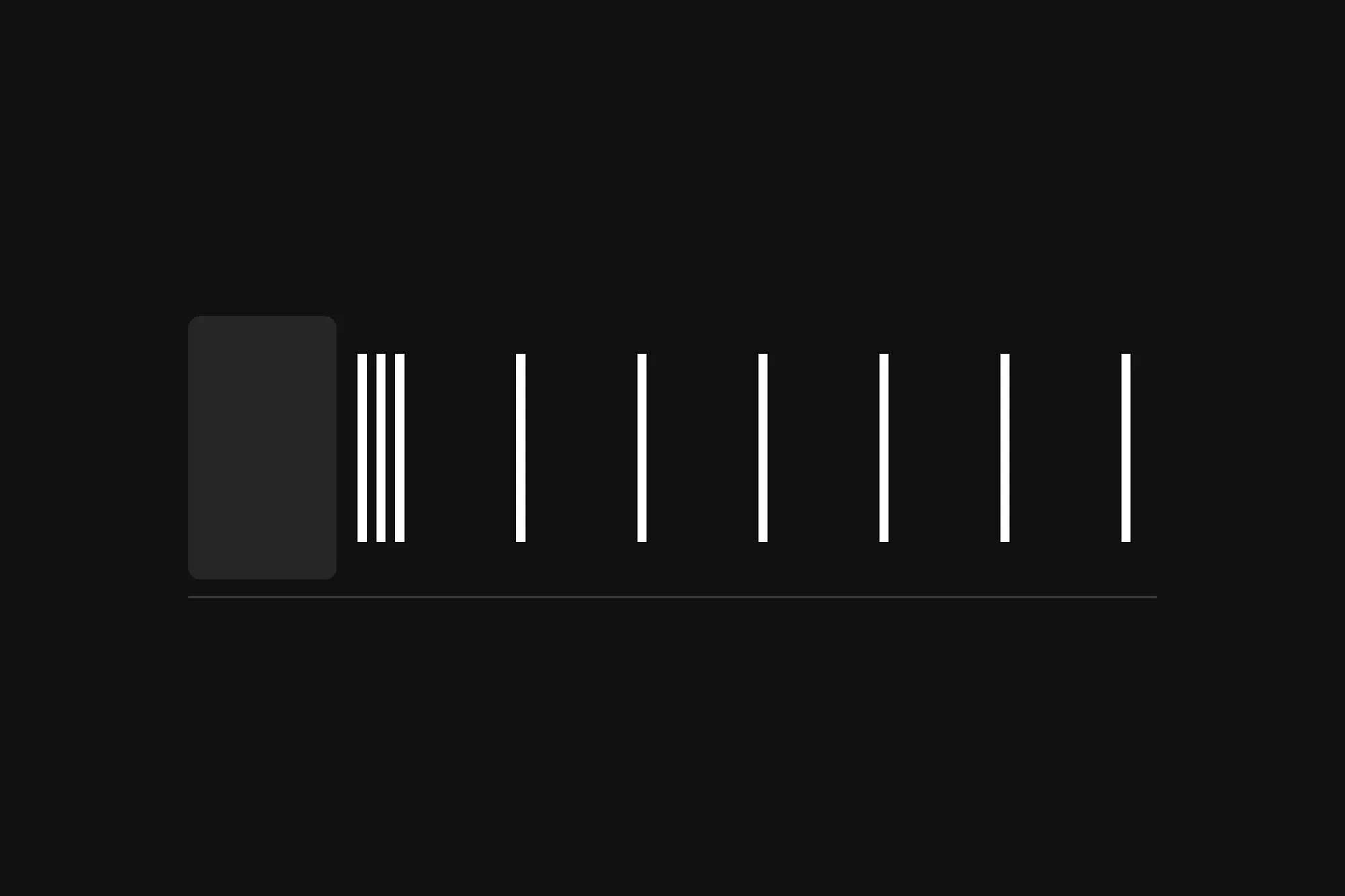
Da-da-da, da, da. That’s what my metronome played when I pressed Start on my iPhone after the app had been sitting in the background for a while. The first clicks tripped over each other, and then the beat went on as steady as ever.
The last dev note was about keeping a beat steady once it’s going. This one is about the first second, which turned out to be the harder part. The same stumble came back three times in MusicTools, each time for a different reason.
What happened: only the first Start, only after a while away
The stumble kept a pattern. It came on the first Start after the app had been away for a while, and once the metronome got going, it kept time as well as ever. Something about coming back was making the first second go wrong.
Why: the audio engine was asleep, and the beat didn’t know
MusicTools plays everything through one audio engine that runs while the app is open. On an iPhone that has a price: iOS keeps an app awake for as long as its audio engine runs, even when all it plays is silence. So when MusicTools goes to the background with nothing to play, it puts the engine to sleep, and the phone can let the app sleep too.
Coming back doesn’t wake the engine either, and that’s on purpose. Waking the audio straight away would cut off any music you were playing in another app. The engine wakes when something needs it, like the metronome’s Start button, and on an iPhone that has been idle for a while, waking it, audio session and all, takes a few hundred milliseconds.
My metronome started counting the beat the moment I pressed Start. By the time the engine was up, the first click was already due, so it played at once, with the next one right behind it on time.
How I fixed it: start counting when the engine is really awake
Once you see it, the fix is plain: don’t start the beat’s clock until the engine can play. Now when you press Start and the engine is asleep, MusicTools wakes it first and starts counting only when it’s up. The screen shows the metronome as started right away, and Stop calls the whole thing off if you change your mind. When the engine is already running, it starts at once, as it always did.
“Up” needed a second look, though. A waking engine can report that it’s running a moment before its first sound goes out, and its clock stands still until then. So MusicTools waits for both: the engine saying it’s running, and its clock actually moving.
The same sound, twice more
That wasn’t the first time the first clicks had bunched up, and it wasn’t the last.
A week earlier, the metronome had a worse version of it: coming back from the background, it could let out a whole burst of clicks. An audio engine that isn’t playing doesn’t throw away the sounds you hand it. It keeps them, and the moment it plays again, everything that waited sounds together. Meanwhile the app’s own clock keeps running while it sleeps, so the clicks it thinks it owes pile up; an hour away at 120 BPM is 7,200 of them. Since then the metronome books clicks only while the engine is actually playing, and never tries to catch up. If beats went by, it carries on from where the clock is now. Going to the background also stops the metronome now, and the screen stays on while it plays, because a screen that locks itself sends the app to the background too.
A week after the iPhone stumble, it came back in the new score viewer of version 1.3.0: pressing ▶ in a score I’d only just opened gave da-dak-dak. The engine was awake this time, but the screen wasn’t ready. The beat’s clock started on the press, and the first click was booked only after the screen had redrawn, 142 ms later on my test emulator. It was the same mistake with a different wait, and the fix was the same idea: the clock now starts at the moment the first click is booked.
Try it yourself: a stumble on purpose
The engine in your browser wakes up quickly, so to hear the iPhone’s problem, this code pretends the engine took wakeMs milliseconds to wake. Click anywhere on the page once (browsers only play sound after you’ve interacted with a page), open the developer console (F12 in Chrome or Edge on Windows, Option-⌘-J in Chrome on a Mac), and paste this:
const ctx = new AudioContext();

// One short click, starting exactly at `when` on the audio clock.
function click(when) {
  const osc = new OscillatorNode(ctx, { frequency: 1500 });
  const amp = new GainNode(ctx, { gain: 0 });
  amp.gain.setValueAtTime(0.4, when);
  amp.gain.exponentialRampToValueAtTime(0.001, when + 0.03);
  osc.connect(amp).connect(ctx.destination);
  osc.start(when);
  osc.stop(when + 0.05);
}

const gaps = (times) => times.slice(1).map((t, i) => Math.round((t - times[i]) * 1000)).join(', ');

// Four clicks the way my metronome started at first: the beat's clock starts on the press, but the clicks
// can only be booked once the engine is up, `wakeMs` later. A click already due by then plays at once.
function startOnPress(wakeMs, bpm = 120) {
  const beat = 60 / bpm;
  const pressed = ctx.currentTime;
  setTimeout(() => {
    const now = ctx.currentTime;
    const times = [0, 1, 2, 3].map((i) => Math.max(pressed + i * beat, now));
    times.forEach((t) => click(t));
    console.log(`clock from the press: gaps ${gaps(times)} ms`);
  }, wakeMs);
}

// The fix: start the beat's clock once the clicks can actually be booked.
function startWhenAwake(wakeMs, bpm = 120) {
  const beat = 60 / bpm;
  setTimeout(() => {
    const first = ctx.currentTime + 0.05;
    const times = [0, 1, 2, 3].map((i) => first + i * beat);
    times.forEach((t) => click(t));
    console.log(`clock from the wake: gaps ${gaps(times)} ms`);
  }, wakeMs);
}

// How long your browser's audio engine takes to wake up, and when it *says* it's awake.
async function measureWake() {
  await ctx.suspend();
  const stoodAt = ctx.currentTime;
  const t0 = performance.now();
  let saidRunning = null;
  ctx.resume();
  while (ctx.state !== 'running' || ctx.currentTime === stoodAt) {
    if (saidRunning === null && ctx.state === 'running') saidRunning = performance.now() - t0;
    await new Promise((r) => setTimeout(r, 1));
  }
  saidRunning ??= performance.now() - t0;
  console.log(`said "running" after ${saidRunning.toFixed(1)} ms, clock moved after ${(performance.now() - t0).toFixed(1)} ms`);
}
Then try the three starts, a few seconds apart:
startOnPress(300);
startOnPress(1100);
startWhenAwake(1100);
This is what my console said:
clock from the press: gaps 191, 500, 500 ms
clock from the press: gaps 0, 0, 401 ms
clock from the wake: gaps 500, 500, 500 ms
With a 300 ms wake, the first click comes late and the second follows only 191 ms after it. With 1.1 seconds, the first three clicks were all due before the engine woke, and they land on the same instant, so you hear one loud click, a short gap, and then the beat. Counted from the wake, every gap is 500 ms.
measureWake() tells you how slow your own browser’s engine is. In Chrome on my PC it took 121 ms the first time and about 20 ms after that, and Chrome reported “running” at the very moment its clock moved. A phone that has been idle for a while takes much longer, which is why the iPhone stumbled.
What I’d keep
Start counting when the sound can start, not when the button is pressed. Every wait in between, an engine waking or a screen redrawing, is time your first beat loses. And anything you hand an audio engine while it sleeps comes out the moment it wakes, all at once, so don’t hand it anything until it’s up.
MusicTools dev note
All episodes 7 so far
The metronome
- Why setTimeout Can't Keep Time: A JavaScript Metronome on the Audio Clock
- Why the First Clicks Bunched: Waiting for the Audio Engine to Really Wake Up you're reading this
Getting the score in
Turning pages hands-free
Sound: tuner, recording and analysis
Extras: notes from my dev setup